
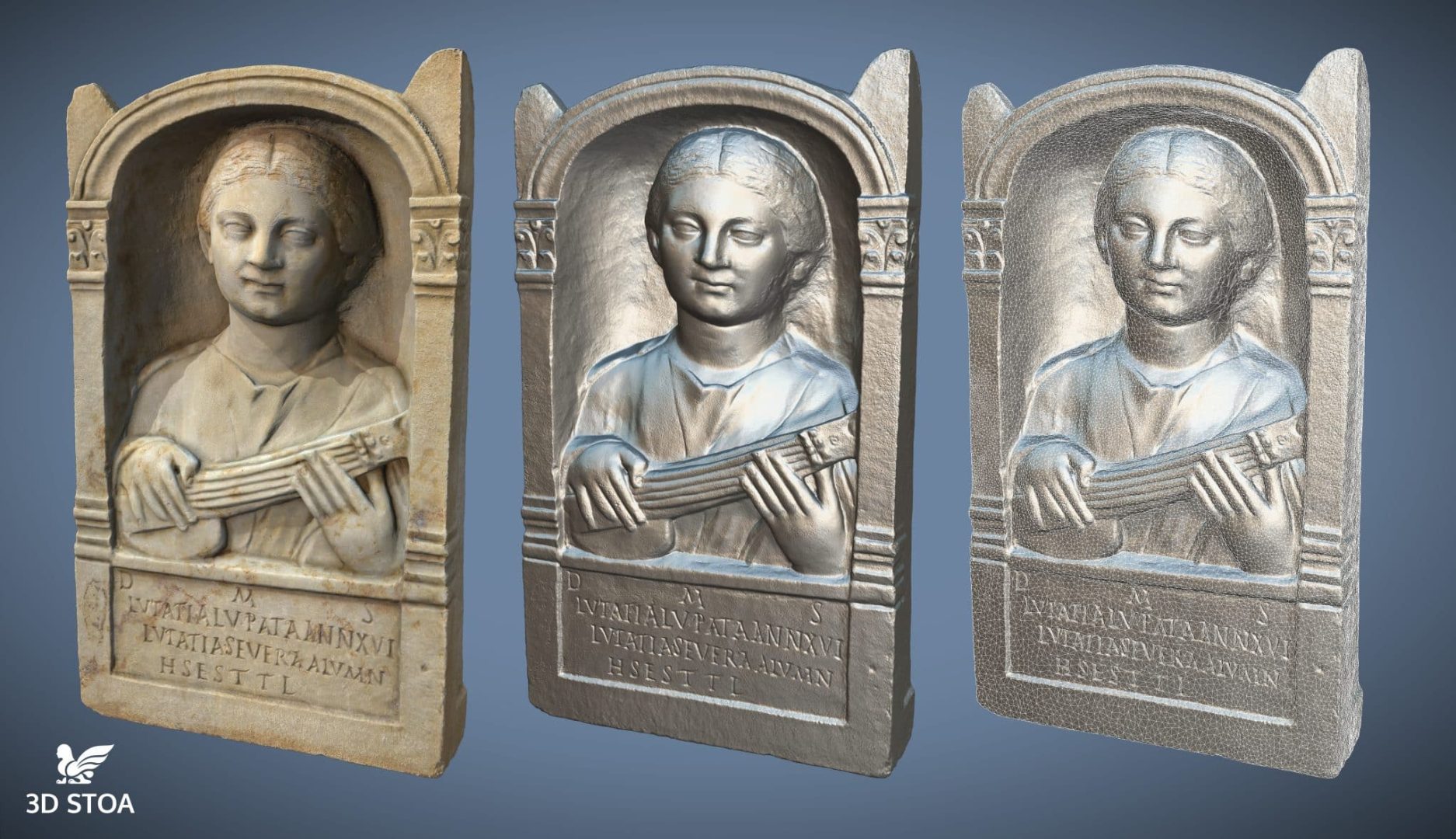
Course · Introductory
Introductory course in photogrammetry for 3D heritage documentation
In this fully online and practical course the student will learn how to use the technique of digital photogrammetry for the creation of quality 3D models from photographs in a simple, fast and intuitive way.
Taught by Néstor F. Marqués
Description
About the course
In this fully online and practical course the student will learn how to use the technique of digital photogrammetry for the creation of quality 3D models from photographs in a simple, fast and intuitive way.
We will discover the essential techniques of digital photogrammetry that will allow us to document in 3D any patrimonial element: objects, archaeological sites, sculptures, structures, etc.
Objectives
What you will learn
- Introduce us to the knowledge of the different 3D documentation technologies used in heritage and, mainly, in digital photogrammetry.
- To know the possibilities, advantages and disadvantages of this 3D documentation technique.
- To know the basic technical principles of digital photogrammetry.
- To learn how to use a camera to take good photographs focused on photogrammetry.
- To know the working process in the two most used photogrammetry software: Agisoft Metashape and Reality Capture.
- Discover additional and advanced tools to achieve perfect virtualizations.
- Learn how to use 3D visualization tools for our models.
- To get into the future of this technology and discuss its latest applications.
Syllabus
6 modules, 79 lessons
Modules unlock progressively as you complete the videos of the previous one.
Module IHistory and fundamentals of photogrammetry 7 lessons · 1 h 23 min
- 1.1 3D documentation techniques14:15
- 1.2 Scanner vs. Photogrammetry16:06
- 1.3 Uses of the 3D scanner9:16
- 1.4 History of photogrammetry12:53
- 1.5 Technical foundations of photogrammetry6:09
- 1.6 Applications of photogrammetry in heritage12:57
- 1.7 Examples of the use of heritage photogrammetry11:58
Module IIData collection 20 lessons · 3 h
- 2.1 Introduction to photogrammetric data collection9:30
- 2.2 Photogrammetric capture strategies. Methodology I13:41
- 2.3 Photogrammetric capture strategies. Methodology II7:42
- 2.4 Photogrammetric data collection equipment3:42
- 2.5 The camera17:44
- 2.6 Light control. Lighting and its sources7:05
- 2.7 Your first improvised data collection8:18
- 2.8 Outdoor data collection11:47
- 2.9 Outdoor data collection – Result8:59
- 2.10 Data collection in the studio with a light box16:16
- 2.11 Data collection from large objects6:44
- 2.12 Complete complex data collection16:22
- 2.13 Incomplete data collection. What to do7:14
- 2.14 Linear data collection5:47
- 2.15 Data collection from large areas6:17
- 2.16 Impromptu data collection of a statue8:18
- 2.17 Taking data from inside a structure7:41
- 2.18 Other data collection. Drones and photogrammetry4:39
- 2.19 Partial data collection of structures7:13
- 2.20 Alternative data collection. Use of poles5:21
Module IIIProcessing of photogrammetric models 20 lessons · 2 h 41 min
- 3.1 File organization and management7:11
- 3.2 Color calibration9:44
- 3.3 The importance of RAW development3:34
- 3.4 Color calibration and development workflow16:25
- 3.5 Use these photographs to practice3:09
- 3.6 Photogrammetry software7:36
- 3.7 Comparison between Metashape and Reality Capture7:37
- 3.8 Phases and concepts of photogrammetric processing8:19
- 3.9 Introduction and download of Metashape8:07
- 3.10 Metashape Interface and Basic Tools12:46
- 3.11 Starting the Workflow. Image Alignment9:11
- 3.12 Orientation and 3D spatiality11:48
- 3.13 Creating the 3D Mesh9:55
- 3.14 Creating the texture6:24
- 3.15 Exporting photogrammetric 3D models6:57
- 3.16 Introduction and download of Reality Capture6:20
- 3.17 Reality Capture Interface and Basic Tools4:37
- 3.18 Processing 3D Models in Reality Capture. Alignment and Orientation11:10
- 3.19 Processing 3D Models in Reality Capture. Mesh and Texture7:38
- 3.20 Visualizing high polygon meshes in Reality Capture2:32
Module IVAdvanced and additional tools in photogrammetry 13 lessons · 1 h 35 min
- 4.1 Introduction and resources2:44
- 4.2 Process of photogrammetric study models3:27
- 4.3 Using masks in Metashape9:16
- 4.4 Processing study models in Metashape3:46
- 4.5 Photogrammetric study models in Reality Capture9:29
- 4.6 Scaling in Metashape11:10
- 4.7 Scaling in Reality Capture8:27
- 4.8 Mesh Cropping and Refining in Metashape9:47
- 4.9 Mesh cropping and refining in Reality Capture7:20
- 4.10 Delete location data from photographs4:21
- 4.11 Confidence for good data collection6:29
- 4.12 Batch processing8:26
- 4.13 Metashape Cloud Processing11:17
Module VOptimization and online visualization of photogrammetric models 12 lessons · 1 h 45 min
- 5.1 Theoretical introduction to the optimization of photogrammetric models18:30
- 5.2 Examples of optimized models6:14
- 5.3 Delighting 3D Models with Delighter13:19
- 5.4 Decimation of photogrammetric models9:06
- 5.5 Ways to view 3D models online6:05
- 5.6 Complete workflow in Sketchfab I8:40
- 5.7 Complete workflow in Sketchfab II9:34
- 5.8 Correct orientation and alignment in Sketchfab4:12
- 5.9 Additional Sketchfab Tools7:43
- 5.10 Online 3D Visualization and the Future9:53
- 5.11 Museums and virtual collections6:49
- 5.12 Photogrammetry, professional work and ethics5:44
Module VINew horizons and success stories 7 lessons · 47 min
- 6.1 Old photographs for new geometries7:11
- 6.2 New forms of virtualization. Lidar scanning6:30
- 6.3 New forms of virtualization. Gaussian splatting9:02
- 6.4 Success Story. Subh’s Boat3:45
- 6.5 Success Story. Silver Coin Treasure4:02
- 6.6 Success Story. The Quimbaya Treasure6:30
- 6.7 Success Story. Photogrammetry within a Comprehensive Project. The Segovia Aqueduct10:01
Methodology
How the course works
Estimated dedication: 6 weeks (40 hours). Everyone progresses at their own pace.
-
Video classes, at your own pace
79 lessons · 11 h 13 minOriginal, up-to-date videos. No schedules: enter whenever you want and repeat each class as many times as you need.
-
Materials to practise
Resources in each lessonWorking files, readings and links next to each lesson, available in the classroom during the course so you can follow it with the same data as the instructor.
-
Instructor support
Néstor F. MarquésAsk in each video or in the course Agora: the instructor answers and so do your classmates.
-
Participation
10 of the 100 pointsIt counts automatically as you follow the course: the videos you watch, the live classes, your participation in the forums and the materials you consult.
-
Final project and certificate
Reviewed by the instructorYou apply what you have learned in a project of your own. When you pass the course you receive the GDH Academy certificate.
- 1Feb 2027Start
- 15Mar 2027End of classes
- 15Mar 2027Project submission
- 15Apr 2027Classroom closing
Technical requirements
Minimum: CPU 32-bit dual core 2Ghz; 4GB RAM; Mouse. Recommended: 64 bit quad core CPU; 8GB to 32GB RAM; Nvidia Geforce GTX graphics card, Mouse. It is not necessary to have a professional camera: any compact camera or even a smartphone will be enough to follow the course.
Aimed at
Students and professionals of archaeology, history, art history and heritage in general. Draftsmen, graphic designers. Anyone interested in 3D documentation of heritage or any other field. No previous knowledge of photography, 3D design or archaeology and heritage is needed.
Instructor
Néstor F. Marqués
Archaeologist.
Start today
$250 · From February 1, 2027 to March 15, 2027.